Every year, event planners print thousands of conference agendas. Full-color brochures. Multi-language guides. Detailed maps. Sponsor directories.
And every year, speakers cancel last-minute. Room assignments change. Session times shift. The hundreds of printed programs become obsolete before the event even starts.
But the real cost isn’t just the wasted paper and printing expenses—though that matters for your carbon footprint and budget. The real cost is the attendee experience. Guests arrive with outdated information. They miss keynotes because they didn’t know room locations changed. They skip valuable networking sessions because they never saw the updated schedule.
There’s a better way: Dynamic Event QR codes.
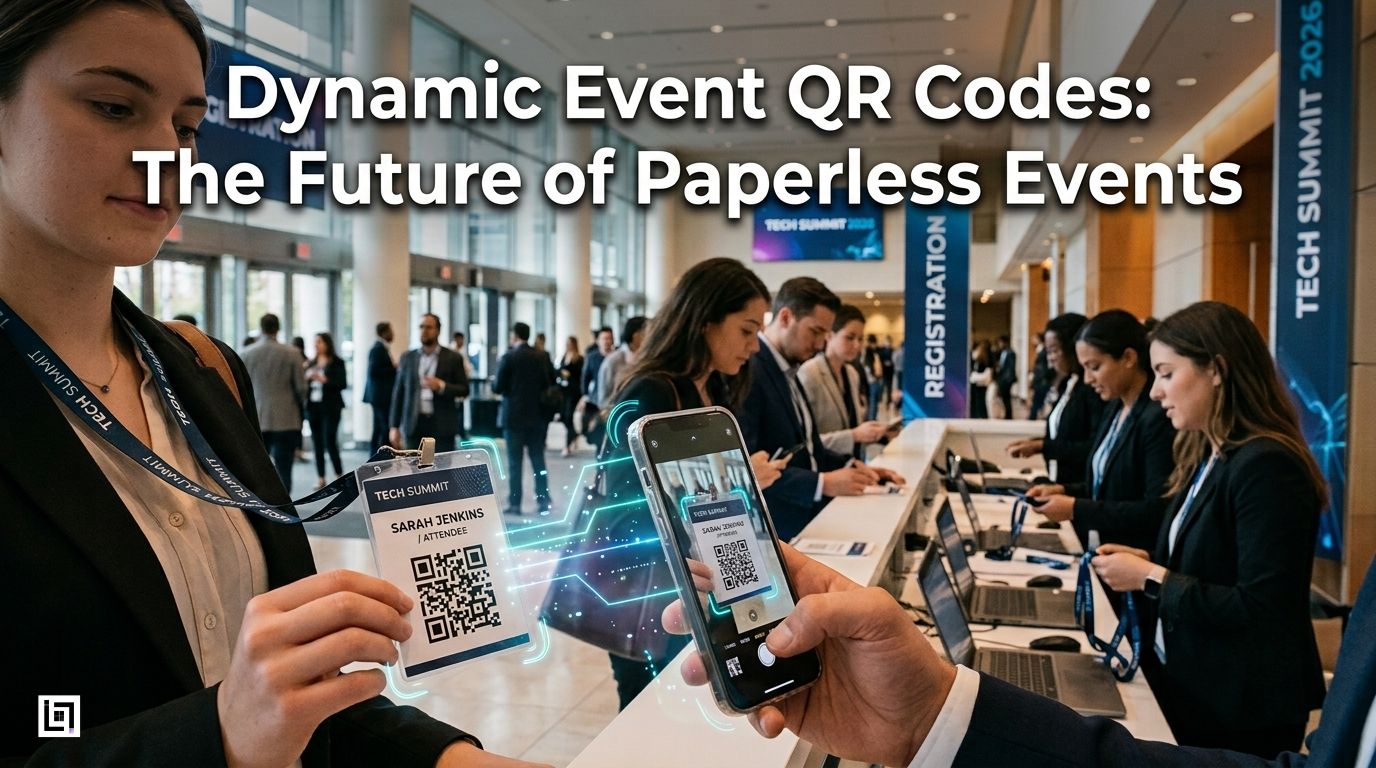
Instead of printing thousands of static documents, conferences and event organizers are shifting to a single, powerful QR code strategy: one code on every attendee badge linking to everything they need to know—updated in real-time, accessible instantly, and trackable for organizational insights.
The Problem With Traditional Event Planning
Event organizers typically print materials weeks in advance. They’ve committed to the design, locked in the vendor contracts, and paid for mass production. But events are dynamic. Speakers get sick. Sponsors want booth location changes. Panels get rescheduled due to high demand.
With printed materials, you’re stuck. Your attendees have outdated information. Frustration builds, important sessions get missed, and sponsors lose engagement when attendees can’t find booth information. Networking suffers because they don’t know which sessions their connections are attending.
The environmental impact is equally significant. According to the events industry, conferences produce approximately 2.4 kg of waste per attendee—much of it from printed materials that get discarded after the event. That’s thousands of pounds of paper, ink, and cardstock for a multi-day conference.
The solution is surprisingly simple: paperless events powered by centralized QR codes.
The Dynamic Event QR Codes Strategy
Instead of printing materials, create one master event QR code on every attendee badge. That single code becomes a hub linking to everything attendees need—updated instantly, always accessible, and designed specifically for the event experience.
Here’s the winning mix that forward-thinking event planners are using:
1. Event Schedule Calendar QR
Place a calendar QR for events on the attendee badge leading to a downloadable calendar file (.ics or Google Calendar format). Attendees scan and save all keynotes, breakout sessions, and networking events directly to their phones.
When a speaker cancels or a room changes, you only need to update the calendar event details from the backend. The physical badge doesn’t change—but every attendee’s phone instantly reflects the update. Avoid reprinting, eliminate confusion, and make sure attendees never miss a session.
2. Conference Agenda PDF QR
Replace bulky printed agendas with a single conference agenda PDF QR. Attendees access a beautifully formatted, searchable PDF showing session times, room locations, speaker bios, and abstracts.
Make it interactive: Include hyperlinks to speaker LinkedIn profiles, sponsor websites, or session-specific resources. Attendees get a superior digital experience compared to a flat piece of paper—and you eliminate printing costs entirely.
3. Event Map/Venue Navigation
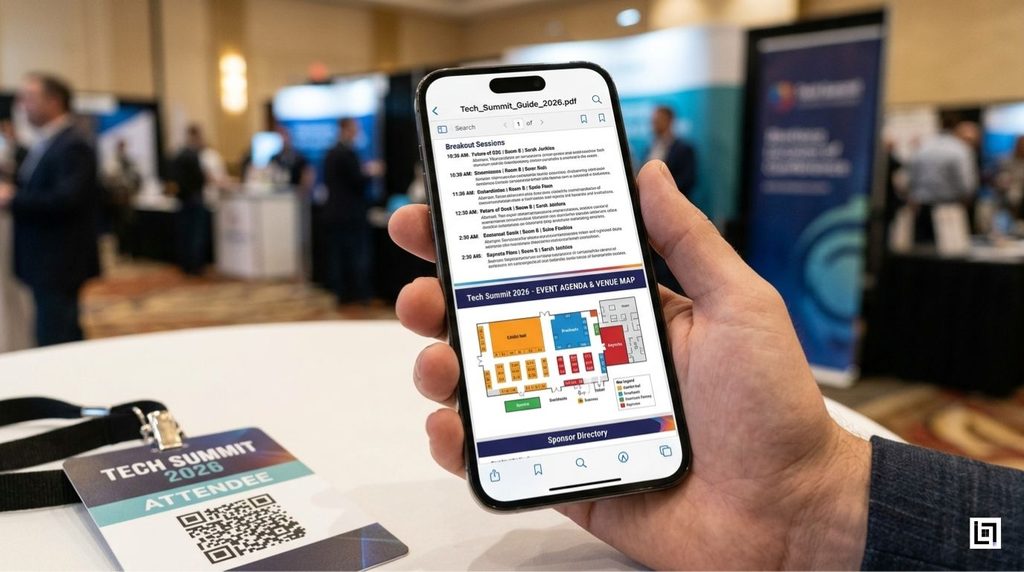
A PDF map QR code solves one of the biggest attendee frustrations: getting lost. Link to an interactive venue map showing booth locations, restroom placement, food areas, and session room numbers. Update it in real-time as sponsor booth assignments change.
4. X/Twitter Networking QR
Place an X Twitter QR code linking to the event’s official hashtag and live conversation thread. This drives event networking QR engagement by connecting attendees in real-time, enabling them to tag each other in posts, find people in their industry, and build relationships beyond physical interactions.
Attendees who scan this code join the live conversation. They see who else is attending, discover relevant discussions, and extend the networking experience beyond the physical event.
5. Snapchat Event Filters
A Snapchat QR for events links to custom-branded filters and lenses. Attendees use them for photos and videos, generating organic social proof and event visibility. Every photo tagged with your event filter becomes marketing material.
6. Linktree Speaker Bios & Resources
A Linktree support QR (adapted for events) centralizes speaker profiles, session resources, and follow-up links. Attendees scan and access speaker bios, LinkedIn profiles, presentation slides, and contact information in one organized hub.
Why Dynamic Event QR Codes Transform Events
Traditional QR codes are static—they point to a single destination that never changes. Print a QR code linking to outdated speaker information, and that’s what attendees get forever.
Dynamic QR codes solve this. With trackable QR codes for events powered by platforms like ScanMyQR, you can:
- Update destinations in real-time (schedule changes, sponsor booth shifts, new speaker information)
- Track engagement to see which sessions or booths got the most scans
- Gather analytics showing attendee movement patterns and interests
- Optimize future events based on data showing which content resonated most
The Organizational Intelligence Advantage
Here’s the critical differentiator most event planners miss: high-volume traffic management analytics.
When attendees scan your event QR codes throughout the conference, you collect data that transforms how you plan future events:
- Which sessions were most popular (highest scan rates on schedule)
- Which sponsor booths drove the most engagement
- Which speakers generated the most follow-up interest
- Peak attendance times showing when sessions reached capacity
- Networking hotspots revealing which sessions led to the most Twitter/X interaction
- Geographic patterns showing which attendee groups accessed which content
One enterprise conference reported that their Tuesday 2 PM breakout session on AI generated 5x more scans than the same time slot on Wednesday. Next year, they doubled the room size and added a second session. Attendance jumped 40%.
Another event organizer noticed sponsors with QR codes on their booth materials got 3x more scans than those without. They made QR codes mandatory for all sponsors.
This is the power of ScanMyQR event solutions—you don’t just run an event, you optimize it with real attendee data.
Real-World Impact: Metrics That Matter
Conferences implementing centralized dynamic event QR codes are reporting:
- 40-50% reduction in printed materials and production costs
- 25-35% increase in networking engagement (X/Twitter participation)
- 90%+ adoption of digital schedules (vs. printed)
- 70% session attendance accuracy (fewer missed sessions due to outdated information)
- Improved sponsor ROI (trackable booth engagement data)
- Carbon footprint reduction of 80-90% (from paper elimination)
One 5,000-person conference eliminated 15,000 printed agendas and saved $12,000 in production costs alone. They reinvested those savings into upgraded WiFi and better signage.
Implementation: Your Paperless Event Blueprint
Step 1: Create Your QR Code Hub
Design a Linktree or similar hub page that includes:
- Link to downloadable calendar file (.ics for all calendar apps)
- PDF map of venue
- X/Twitter event hashtag and networking thread
- Snapchat filter link
- Speaker directory with LinkedIn profiles
Step 2: Generate Your Dynamic Event QR Code
Use ScanMyQR event solutions to create a single master QR code that links to your Linktree hub. Make it dynamic—this ensures you can update all links without reprinting badges.
Step 3: Integrate Into Attendee Badges
Print the QR code prominently on every attendee badge. Make it large enough to scan easily from arm’s length.
Step 4: Promote at Registration
When attendees receive badges, explain the QR code’s purpose. Demo it by scanning the calendar and showing how to add sessions to their phones. Emphasize that updates will be instant.
Step 5: Monitor Analytics
Throughout the event, watch your ScanMyQR dashboard for engagement data. Which sessions are getting scanned most? Which sponsor booths? Use this information for:
- Real-time adjustments (move popular sessions to larger rooms)
- Speaker feedback (know which talks generated most interest)
- Next-event planning (replicate what worked)
Step 6: Post-Event Leverage
After the event, attendees still have access to the QR hub. Extend the relationship by including:
- On-demand video recordings
- Post-event networking resources
- Speaker follow-up contact information
- Survey links for feedback
Why Event Planners Love ScanMyQR
Unlike basic QR code generators for conferences, ScanMyQR is built specifically for high-traffic events:
- Reliability under high scanning volume (thousands of concurrent scans)
- Real-time analytics showing engagement patterns during the event
- Dynamic updates without reprinting materials
- Scalability from 100-person meetings to 50,000+ person conferences
- Integration-ready with event platforms like Eventbrite
- Detailed reporting enabling data-driven event optimization
Conclusion: The Future of Events Is Paperless
The attendee experience isn’t defined by fancy printed materials anymore. It’s defined by accessibility, reliability, and real-time information. A single event QR code delivers all three while reducing costs and environmental impact.
Make your next event paperless, give attendees better information, and help sponsors gain trackable engagement insights. And you’ll have organizational insights that transform how you plan future conferences.
One QR code. Everything they need. Always updated.
That’s the paperless event advantage.
Leave a Reply